
Play The Legend of Kage Online — No ROM File Needed
On a phone, turn the screen sideways: the stage is 4:3, like the console was.
| Input | Action |
|---|---|
| Press START GAME in the frame. The first screen is the player's own; the game begins loading behind it. | |
| Click once inside the picture, then use the keyboard: the frame only receives keys after it has focus. | |
| Arrow keys move and jump. Z attacks with the sword, X jumps, and Enter is START on the NES pad shown beside the screen. | |
| If the keys do nothing, click the game picture again; the page you are on keeps the focus otherwise. | |
| Fullscreen and settings live in the player's own menu, inside the frame. Phones: turn the screen sideways, the stage is 4:3. | |
| Have your own NES file? The bring-your-own page at /games/legend-of-kage runs the same game on an emulator we host. | |
THE LEGEND OF KAGE · NES
ARCADE · OPEN AND PLAY
READY
- TITLE
- The Legend of Kage
- PUBLISHER
- Taito, 1985 (arcade and NES)
- PLATFORM
- Nintendo Entertainment System
- RUNS ON
- RetroGames.cz player, embedded in this page
- HOSTED HERE
- This page only — no ROM, no emulator, no cache
- FALLBACK
- Own-file player at /games/legend-of-kage
Where the game comes from
The frame above loads a page on RetroGames.cz, which runs the game in its own player. Doshaven stores no game data for this title. The per-page list of sources and licences is on the legal page.
What this page loads
One third-party frame. Nothing on it is served by us beyond this page: the emulator, the ROM and the artwork inside the frame belong to that site and load from it directly. If you would rather run the game from your own copy, the bring-your-own player uses an emulator we host ourselves.
C:\> TYPE README.TXT
How to play
What it is
The Legend of Kage is Taito's 1985 ninja action game: one swordsman, five stages, a princess to reach and a lot of enemies in the way. This is the open-and-play edition — press START GAME in the frame and the NES game boots in place, with no file to find, nothing to install and no account. The game runs on RetroGames.cz's own player, embedded here; we publish this page, not the game data.
How to start playing
Open the page, wait for the frame to draw the player's start screen, and press START GAME. The emulator then fetches the NES core and the game data from RetroGames.cz and shows the title screen: one player, two players, high score 20000, the Taito copyright line. Click once inside the picture so the browser gives the keyboard to the frame, then press Enter or Z to get past the title screen. The first load is the slow one; after that the browser keeps the core cached and the game starts in a second or two. If nothing at all appears inside the frame, the source site is down or blocked on your network — use the fallback links under the frame rather than waiting.
What the game is
The Legend of Kage arrived in arcades in 1985 and was ported to the NES the same year. You play Kage, a ninja trying to reach Princess Kirihime through five stages of forest, castle wall and keep. The action is deliberately simple: run, jump between treetops, slash with the sword and throw shuriken while enemy ninjas and monks close in from both sides. What people remember is the pace — enemies arrive in waves, the screen scrolls fast, and the difficulty climbs hard in the later stages. It is short by modern standards and hard by any standard, which is exactly why it still gets talked about. This page runs the NES version, not the arcade board: the NES port cuts some of the arcade's sprites and parallax but keeps the stages, the timing and the difficulty.
Where it runs, and what this page hosts
The game does not run on Doshaven. The frame above loads a page on RetroGames.cz, and that page boots the emulator and the ROM inside its own tab. We host this page and nothing else: no ROM file, no emulator build, no copy of their player, no proxy in front of it and no cache of their data. Your browser talks to their server directly, which also means their cookie and privacy rules apply inside the frame and not ours. The crop you see is cosmetic — a CSS viewport over their page, sized to their game canvas so the console artwork and the keyboard table next to it are out of the way.
Who owns The Legend of Kage
The Legend of Kage is a Taito game. The name, the code, the art and the music belong to Taito, now part of Square Enix, and the game is still sold and re-released, so it is not freeware and never became abandonware in any legal sense. Doshaven is an independent fan project: not affiliated with, sponsored by or endorsed by Taito or Square Enix. This page embeds someone else's hosted copy rather than serving one of its own. If you hold rights in this game and you want the page to stop embedding it, use the contact note on the About page and we will take the page down.
If the embedded player stops working
A third-party source can go away without warning: a site changes its player, loses its hosting, or gets a takedown notice. When that happens this page keeps its place in the catalog but the frame is just a black rectangle — so there is a second route. The page at /games/legend-of-kage (linked under the frame and below) runs the same game on EmulatorJS built from upstream source and served from our own player host; you supply a NES file from a copy you are entitled to use, the browser reads it locally, and the emulator runs it without any third-party request. That version cannot break because someone else pulled a page. It is also the version to use if you would rather not load a stranger's scripts at all.
Controls, phones and the rest of the shelf
The NES pad had a d-pad, two action buttons, Select and Start, and that is the whole control scheme: arrows to move, two keys to attack and jump, Enter and Shift for Start and Select. A USB gamepad works if the player's own input settings pick it up, and the touch controls appear in the frame on a phone. Expect the phone experience to be worse than the desktop one — this is a game of precise jumps, and a d-pad beats glass. When you are done with it, the rest of the shelf is one click away: arcade games written for this site, DOS-era shooters and a full transport simulation, all of them playable in the same tab with nothing to install.
C:\> TYPE FAQ.TXT
FAQ
Where does the game actually run?
Inside the frame, on RetroGames.cz's page: their emulator loads their copy of the game in your browser. Doshaven serves this page and the crop around their player, and nothing else — no game data is stored, proxied or cached by us.
I pressed START GAME and nothing happened.
Click once inside the game picture first — browsers only give the keyboard to a frame after you click it. Then press Enter or Z on the title screen. If the frame stays black or shows a loading bar that never finishes, their site or your network is the problem: try the direct link under the frame, and if that fails too, use the bring-your-own player on this site.
Do I need a ROM file?
No. That is the point of this page: the game data comes from the third-party player, so you press start and play. The bring-your-own page at /games/legend-of-kage is still there for people who own a copy and prefer to run it on an emulator we host.
Who owns The Legend of Kage?
Taito, now part of Square Enix. The game is still sold, so it is not freeware. This is an independent fan project, not affiliated with or endorsed by them, and a rights holder can ask us to remove the page — see the contact note on the About page.
Can this page stop working?
Yes. A third-party embed depends on a third party: if RetroGames.cz changes or drops the player, the frame goes dark. The game page we control — /games/legend-of-kage — runs the same title on our own emulator and keeps working, and this page links to it under the frame for exactly that reason.
Does it work on a phone, or with a controller?
The frame opens on a phone and the player offers touch controls, but the stage is 4:3 and the game wants precise jumps — turn the screen sideways. A keyboard on a desktop, or a USB gamepad the player recognises, is the better way to play it.
More reading: the same game with your own NES file · the retro arcade hub.
C:\> DIR /GAMES
More games
Same lane, one click away. Every card is a page with a game that runs in this tab.-
Legend of Kage (own file) BYO FILELegend of Kage (own file) The same game on an emulator we host: you load a NES file from your own copy. EmulatorJS 4.2.3 · GPL-3.0
-
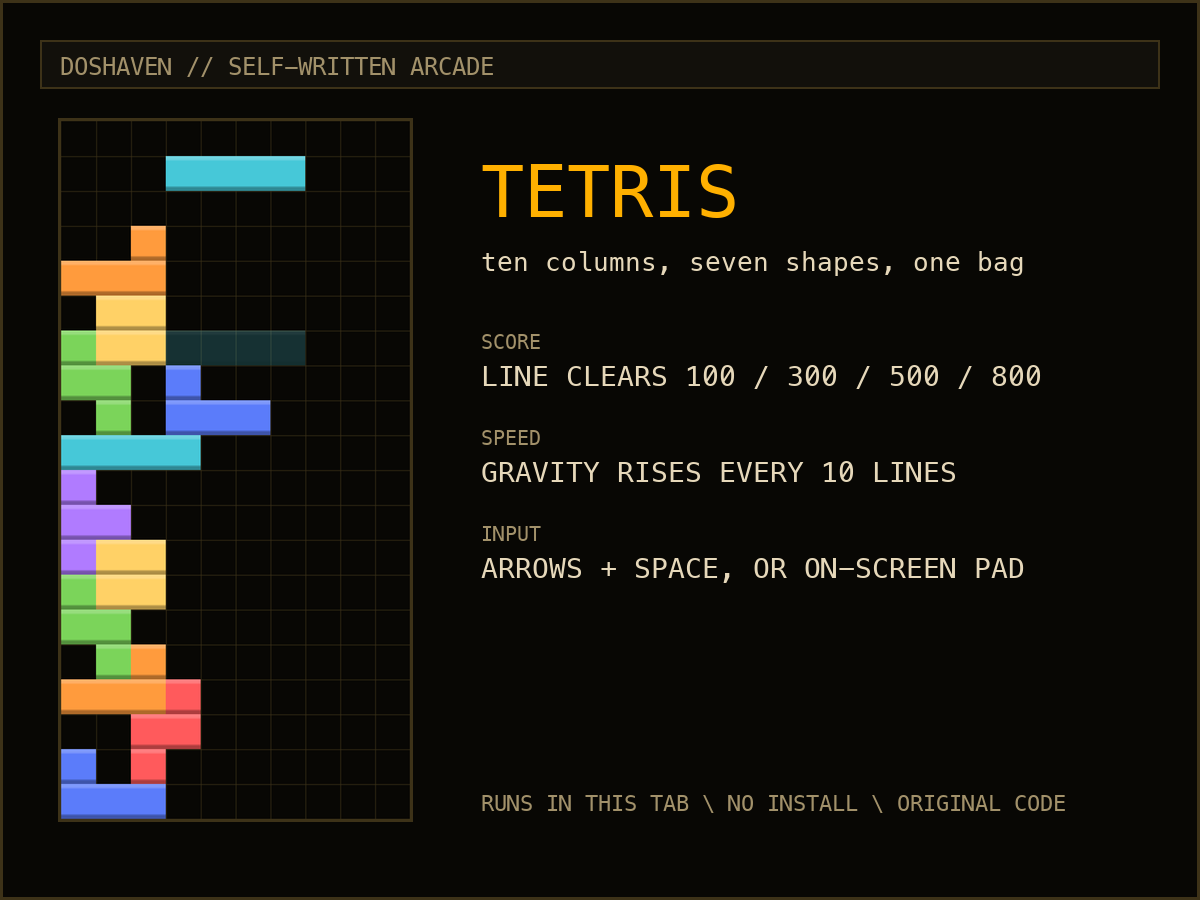 ORIGINAL
Tetris Ten columns, seven pieces, four-line clears — no file needed. Original code · runs in this tab
-
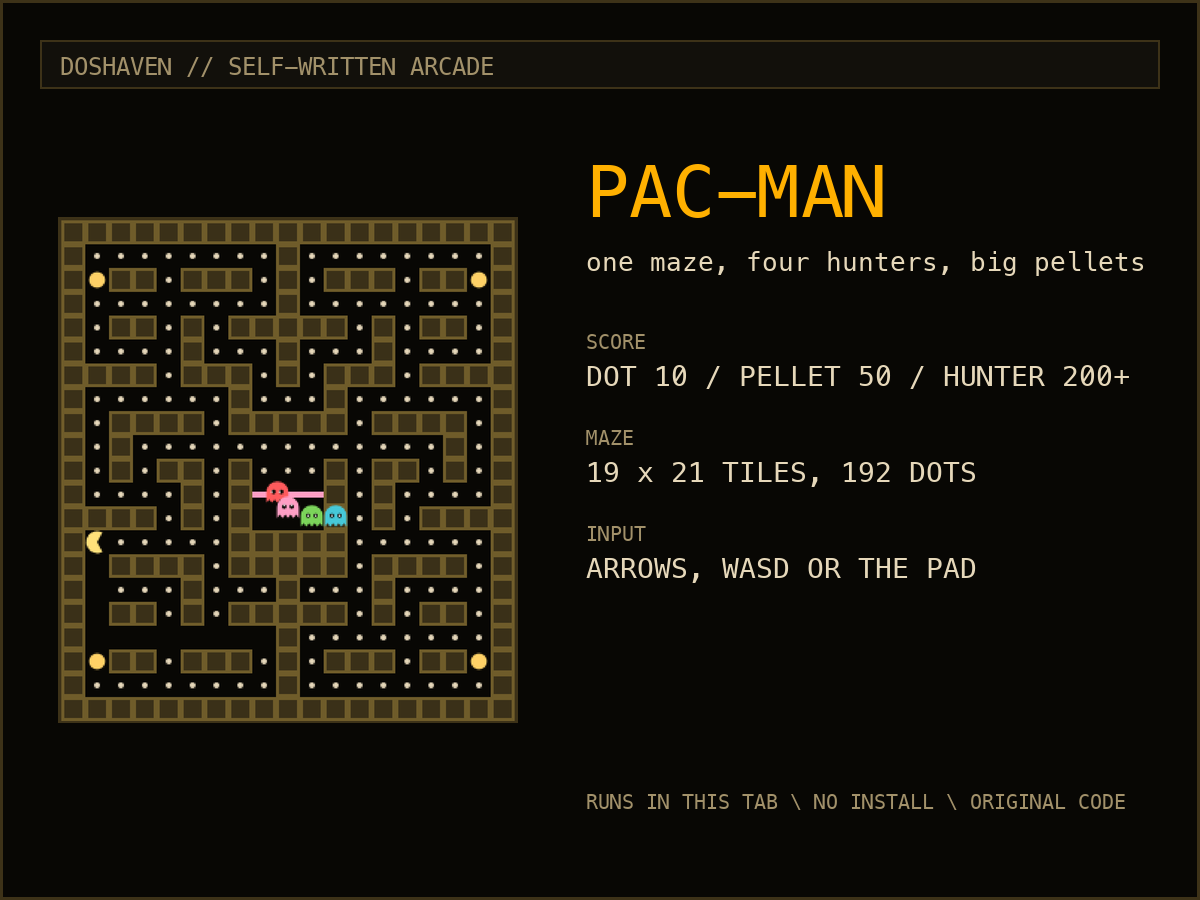 ORIGINAL
Pac-Man One maze, four hunters and a corridor of dots — no file needed. Original code · runs in this tab
-
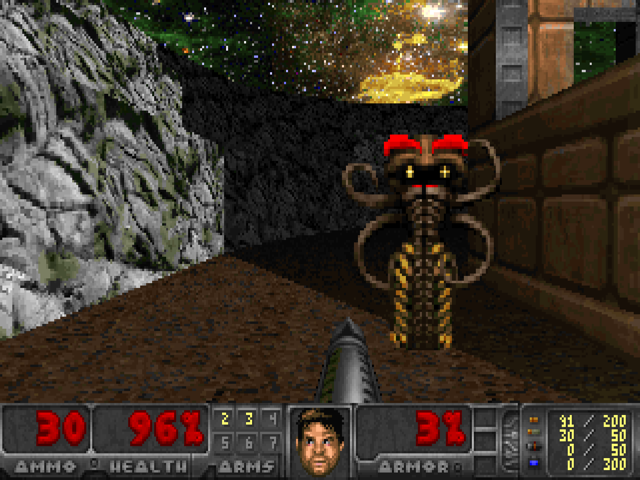 FREEDOOM
Doom Browser Doom-family play in the tab with free Freedoom data, no rom to find. Freedoom Phase 1 · BSD 3-Clause
C:\> DIR /GAMES /NEW
New on the shelf
Recently added. Every card is a page with a game that runs in this tab.-
ARCHIVE
SkiFree Down a slope of trees and rocks, past the monster that wakes at 2,000 metres. The 1991 Windows ski game. Runs from the Internet Archive · nothing hosted here -
ARCHIVE
Digger Dig tunnels, grab the emeralds and drop gold bags on the Nobbins: Windmill Software's 1983 IBM PC classic. Runs from the Internet Archive · nothing hosted here -
ARCHIVE
Alley Cat Jump the fence, dodge the dog and the broom, and clear the rooms of a strange house: Bill Williams' 1984 IBM PC classic. Runs from the Internet Archive · nothing hosted here -
ARCHIVE
The Oregon Trail Buy the oxen, watch the rations, ford the rivers and hope nobody gets dysentery: MECC's 1992 Deluxe edition. Runs from the Internet Archive · nothing hosted here -
SHAREWARE
Raptor: Call of the Shadows Nine missions of air and ground targets, a boss to bring down, and money for weapons between waves. Apogee's 1994 shooter. Runs from the Internet Archive · nothing hosted here -
SHAREWARE
Jill of the Jungle Run, jump and swing a dagger through forests and caves, and turn into a bird, a fish or a frog. Epic MegaGames' 1992 platform game. Runs from the Internet Archive · nothing hosted here -
FREEWARE
One Must Fall 2097 Pilots in giant robots fight one on one, with special moves and prize money for upgrades. The 1994 DOS fighting game. Runs from the Internet Archive · nothing hosted here -
SHAREWARE
Bio Menace Snake Logan shoots through a city of mutants in a platform game built on the Keen engine. Apogee's 1993 shareware episode. Runs from the Internet Archive · nothing hosted here -
SHAREWARE
Commander Keen in Keen Dreams Keen throws flower pellets at an army of vegetables in id Software's lost 1991 episode, in its 1992 shareware release. Runs from the Internet Archive · nothing hosted here
The whole shelf, sorted by type: the retro arcade hub · the catalog on the homepage.
Prefer to run it from your own copy? The bring-your-own-ROM player uses an emulator we host ourselves. More arcade titles are in the retro arcade hub.
C:\> TYPE COMMENTS.TXT